Use complete callouts
Do not shout “press that.” Name the side, symbol, order, and action in one clear sentence.
HOW TO PLAY · 1.0.1
This guide explains where to put the device, what each person does, and how to retry after a failure—without revealing any puzzle answers.
Bring one iPhone or iPad with the game installed and one person sitting nearby. Every run is designed for exactly two people face-to-face.
Download Free on the App Store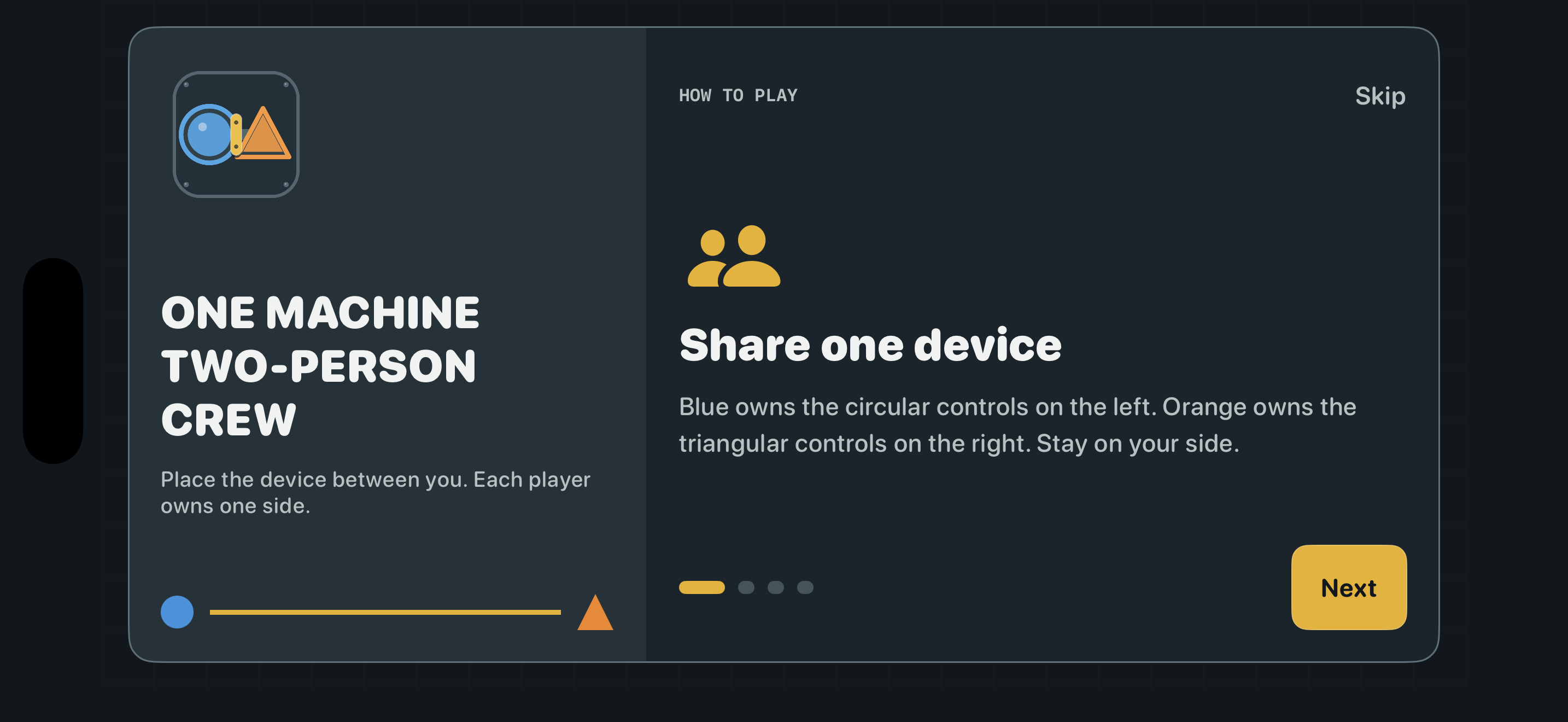
Your first run
Sit face-to-face on opposite sides of one iPhone or iPad. Keep it stable so both players can read the central machine.
Blue uses the circle side. Orange uses the triangle side. Finish the onboarding touch check before starting a shift.
You see different instructions and control different hardware. Call the full symbol and action before the responsible side moves.
The report identifies the last actionable mistake. Start a fresh puzzle or replay the same seed to practice that exact situation.
Communication beats speed
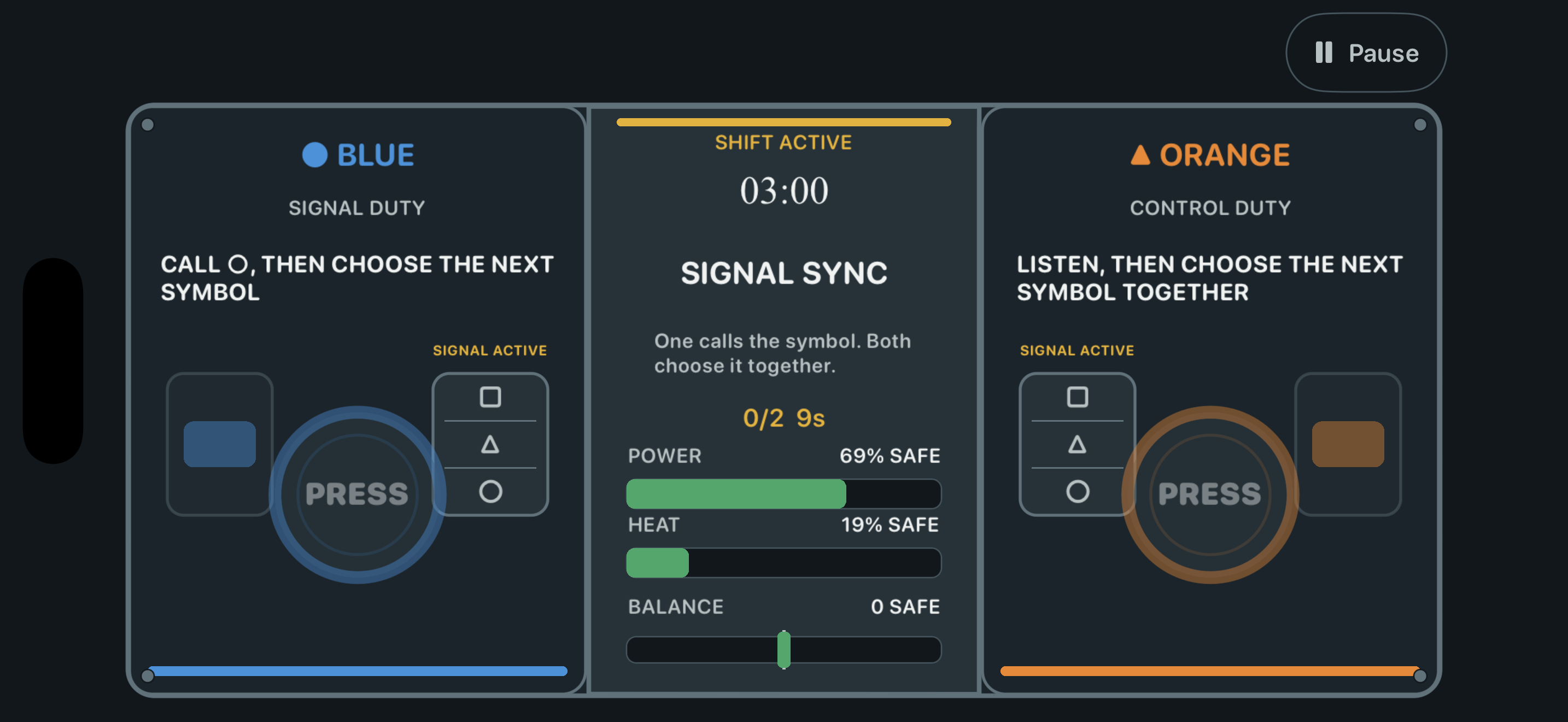
Do not shout “press that.” Name the side, symbol, order, and action in one clear sentence.
Responsibilities change during a run, but both players stay on their physical sides. Confirm the current duty before touching a control.
Read the cause shown on the result screen. Changing one communication habit is more useful than blaming the other player.
Difficulty and accessibility
Before you start
No. Event combinations, private clues, and code locks vary. You can also replay the same seed when you want to practice a specific failure.
Mistakes affect the machine immediately and cannot be rewound. A run lasts about three minutes, so a fresh attempt is always close.
No. Information and controls are intentionally split between two people, and there is no complete solo mode.
No. Once the app is downloaded, the full run happens locally on the same device.
READY?